
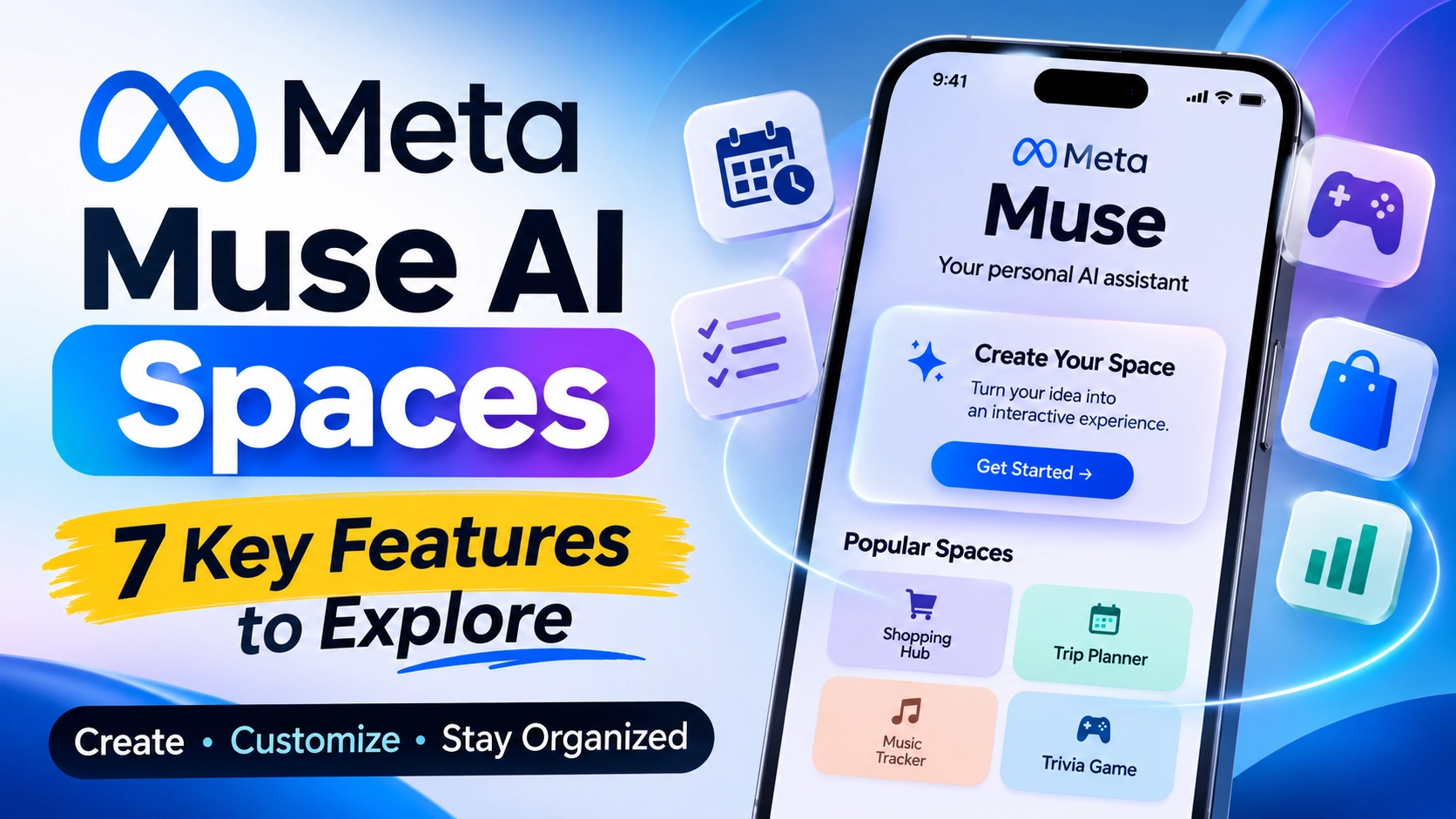
Meta Muse AI Spaces: 7 Features You Should Know
Meta Muse AI Spaces is a new feature that allows users to create personalized, interactive experiences inside Meta’s Muse AI app. Announced on November 6, 2026, Spaces lets people turn simple ideas into useful tools, including planners, shopping trackers, project boards, music trackers, and interactive games.
Instead of using AI only to answer questions, users can now ask Muse to build experiences that help organize their everyday activities. They can customize these experiences, connect supported applications, and return to their saved Spaces whenever they need them.
This development represents another step toward making AI agents more useful in everyday life. Here is everything you need to know about Meta Muse AI Spaces, including its features, practical uses, availability, and limitations.
What Is Meta Muse AI Spaces?
Meta Muse AI Spaces is a feature that allows users to create custom interactive experiences within the Muse app by describing what they want.
For example, someone planning a holiday can ask Muse to create a trip planner. Another user might want a shopping tracker, a school dashboard, or a workspace for managing freelance projects.
Muse takes the user’s description and builds a customized Space around that requirement. Users can then continue improving it by asking Muse to add information, change its appearance, or modify how it works.
Unlike a traditional chatbot conversation, a Space provides an organized experience that users can revisit and update.
Meta introduced this feature to make its personal AI agent more flexible and useful for different routines, interests, and projects.
How Does Meta Muse AI Spaces Work?
Using Spaces starts with a simple idea: describe what you want, and let Muse build an experience around it.
The process involves four main steps:
Describe your idea: Tell Muse what kind of experience you want, such as a weekly planner or shopping tracker.
Let Muse build it: Muse creates a customized Space based on your instructions.
Customize your Space: Ask Muse to add new elements, change its appearance, or adjust its functionality.
Use and revisit it: Interact with your Space, update information, and return whenever you need it.
For example, if you create a project management Space, you can organize your tasks, add notes, and keep track of your progress.
The main advantage is that users do not have to start a completely new conversation every time they want to work on the same project.
7 Key Features of Meta Muse AI Spaces
Meta Muse AI Spaces introduces several capabilities that make the Muse experience more personalized. Here are seven important features.
1. Create Custom AI-Powered Experiences
One of the biggest features is the ability to create personalized experiences simply by describing an idea.
Users can ask Muse to build different types of interactive tools based on their requirements.
For example, you could create:
A daily task planner.
A personal shopping tracker.
A project management board.
A music discovery tracker.
An interactive trivia game.
This approach makes AI-assisted tool creation more accessible to people who do not have programming experience.
2. Customize Your Spaces
Creating a Space is only the beginning. Users can continue modifying their experiences as their requirements change.
For example, if your weekly planner is missing a section for upcoming deadlines, you can ask Muse to add one.
You can also request changes to the design and functionality of an existing Space.
This makes Spaces more flexible than static AI-generated content because users can improve their experiences over time.
3. Organize Spaces Inside the Muse App
Meta also gives users control over how their Spaces appear inside the application.
Users can:
Add Spaces to the sidebar.
Move them into the main tabs.
Hide Spaces they no longer need.
Schedule when particular Spaces appear.
For example, someone can keep a work planner visible during weekdays and switch to weekend plans on Saturday.
This feature helps users organize their AI experiences around their daily routines.
4. Connect Supported Applications
Another important capability is connecting applications that users already rely on.
Meta explains that connected apps can provide relevant information to Spaces, helping users organize information from different services.
For example, Meta’s announcement describes a shopping hub that brings together gift ideas, Instagram saves, and Marketplace listings.
A school dashboard can also gather relevant information from school emails and add events to a calendar.
These integrations can reduce the need to switch between multiple applications.
However, the available connections and permissions depend on the supported services. Users should not assume that every external application can be connected.
5. Get Background Updates
Spaces can also keep relevant information updated through connected applications.
For example, a music tracker could show new releases and upcoming concerts, while a shopping tracker could reflect price changes.
Meta says these updates can happen in the background, reducing the need for users to repeatedly request new information.
However, Meta has not specified a universal refresh schedule for every connected service.
6. Edit Information Directly
Spaces are designed to be interactive rather than simple information displays.
Users can perform actions such as:
Checking off completed tasks.
Adding notes.
Editing information.
Updating their plans.
Making changes through Muse.
For example, a wedding planner can help organize guest responses, vendor invoices, and upcoming tasks in one place.
This makes Spaces useful for projects that require regular updates.
7. Keep Your Experiences Available
Another useful feature is persistence.
Once users create a Space, it becomes part of their Muse experience. They can return to it whenever they need it instead of recreating the same tool from the beginning.
This is particularly useful for long-term activities such as planning a holiday, managing a business, organizing a podcast, or tracking personal projects.
9 Practical Things You Can Build With Meta Muse AI Spaces
Meta has shared several examples of what users can create. These examples demonstrate how the feature could help with everyday activities.
| Space | What it can help users do |
|---|---|
| Shopping hub | Organize gift ideas, wishlists, and Marketplace listings. |
| School dashboard | Find school-related events in emails and organize them in a calendar. |
| Music tracker | Follow artists, new releases, and upcoming shows. |
| Wedding planner | Manage RSVPs, vendor invoices, and tasks. |
| Trivia game | Create quizzes about favorite movies, music, and sports teams. |
| Podcast studio | Organize episode ideas, research, and scripts. |
| Business order tracker | Track customer messages, orders, and shipments. |
| Freelance client hub | Organize projects, deadlines, and invoices. |
| Trip planner | Arrange flights, hotel reservations, and daily itineraries. |
These examples show that Spaces is not limited to productivity. It can also support entertainment, creative projects, and personal organization.
Meta Muse AI Spaces vs Traditional AI Chatbots
Traditional AI chatbots mainly focus on answering questions, generating content, and helping users complete individual tasks.
Meta Muse AI Spaces takes a different approach by allowing users to create organized, reusable experiences inside the Muse app.
Here is a comparison:
| Capability | Muse AI Spaces | Traditional chatbot |
|---|---|---|
| Answer questions | Yes | Yes |
| Create personalized experiences | Yes | Usually needs additional tools |
| Build planners and trackers | Yes | Can generate plans and templates |
| Interactive editing | Yes | Depends on the platform |
| Organize reusable projects | Yes | Depends on the platform |
| Connect external services | Supported connections | Varies by platform |
However, Spaces is not the first attempt at AI-powered app creation.
For example, Google’s Opal allows users to create AI-powered mini-apps using natural-language instructions. This makes it an interesting alternative for people exploring AI-assisted app creation.
The main difference is how these experiences are organized and integrated into each platform.
When Will Meta Muse AI Spaces Be Available?
Meta announced Spaces on November 6, 2026, and stated that the feature would be available everywhere Muse is available.
This means availability depends on access to the Muse app in the user’s region.
Meta initially introduced Muse in the United States in September 2026. The company subsequently announced expansion into additional markets.
Users should check the official Muse website or app store listing to confirm whether the service is available in their country.
Important: Meta has not announced a separate worldwide launch date for every country.
Is Meta Muse AI Spaces Free?
Meta’s Muse service offers free access with usage limits, alongside paid subscription options for people who need more usage.
However, Meta has not announced a separate subscription price specifically for Spaces.
The availability of individual capabilities may depend on the user’s access to Muse and its supported services.
For the latest information, users should check Meta’s official product page.
What Are the Limitations of Meta Muse AI Spaces?
Although Spaces introduces useful capabilities, there are still some unanswered questions.
Regional availability: Muse is not necessarily available in every country. Users need to check regional access before expecting to use Spaces.
Third-party integrations: Connections depend on supported applications and permissions. Not every external service is guaranteed to work.
Feature flexibility: Although users can create customized experiences, Meta has not promised that Spaces can build every type of application.
Sharing and collaboration: Meta says it is exploring ways to let users share Spaces and collaborate. This should not be confused with an already released collaboration feature.
Pricing: Meta has not published a separate pricing structure for Spaces.
These limitations are important when evaluating the feature beyond its initial announcement.
What Does Meta Muse AI Spaces Mean for the Future of AI?
Meta Muse AI Spaces highlights a growing shift in artificial intelligence: moving beyond simple question-and-answer conversations toward personalized, interactive experiences.
Instead of asking an AI chatbot to generate a shopping list or project plan every time, users can create a dedicated Space and return to it whenever they need it.
This approach could make AI more useful for students, freelancers, small businesses, creators, and people managing everyday responsibilities.
It also increases competition between AI platforms. Companies such as Google and Meta are exploring ways to make AI more capable of building tools and assisting with real-world tasks.
However, the long-term success of Spaces will depend on its reliability, available integrations, regional availability, and how effectively it handles users’ everyday requirements.
Frequently Asked Questions (FAQs)
1. What is Meta Muse AI Spaces?
Meta Muse AI Spaces is a feature that lets users create personalized, interactive experiences inside the Muse app using natural-language instructions.
2. When did Meta announce AI Spaces?
Meta officially announced Spaces on November 6, 2026.
3. Can Meta Muse AI Spaces create applications?
Spaces can create customized experiences such as planners, trackers, project boards, and games. However, Meta has not claimed that it can build every type of standalone application.
4. Is Meta Muse AI Spaces free?
Muse offers free access with usage limits and paid subscription options. Meta has not announced a separate subscription price for Spaces.
5. Can users connect other applications to Spaces?
Yes. Meta supports connections with other applications so Spaces can use relevant information and provide background updates. Availability depends on supported services and permissions.
6. Can users edit their Spaces after creating them?
Yes. Users can ask Muse to change the appearance, add missing elements, and modify how an existing Space works.
7. Is Meta Muse AI Spaces available worldwide?
Meta says Spaces is available wherever Muse is available. However, Muse itself has regional availability limitations.
Final Verdict
Meta Muse AI Spaces is an interesting development in the evolution of personal AI agents. It gives users a way to create customized planners, trackers, project boards, and other interactive experiences without manually building everything themselves.
Its biggest advantage is the combination of customization, reusable experiences, and connections to supported applications. However, regional availability, integration support, and the feature’s practical limitations still matter.
If Meta continues improving these capabilities, Spaces could become a useful part of how people organize their work, projects, and everyday activities.