
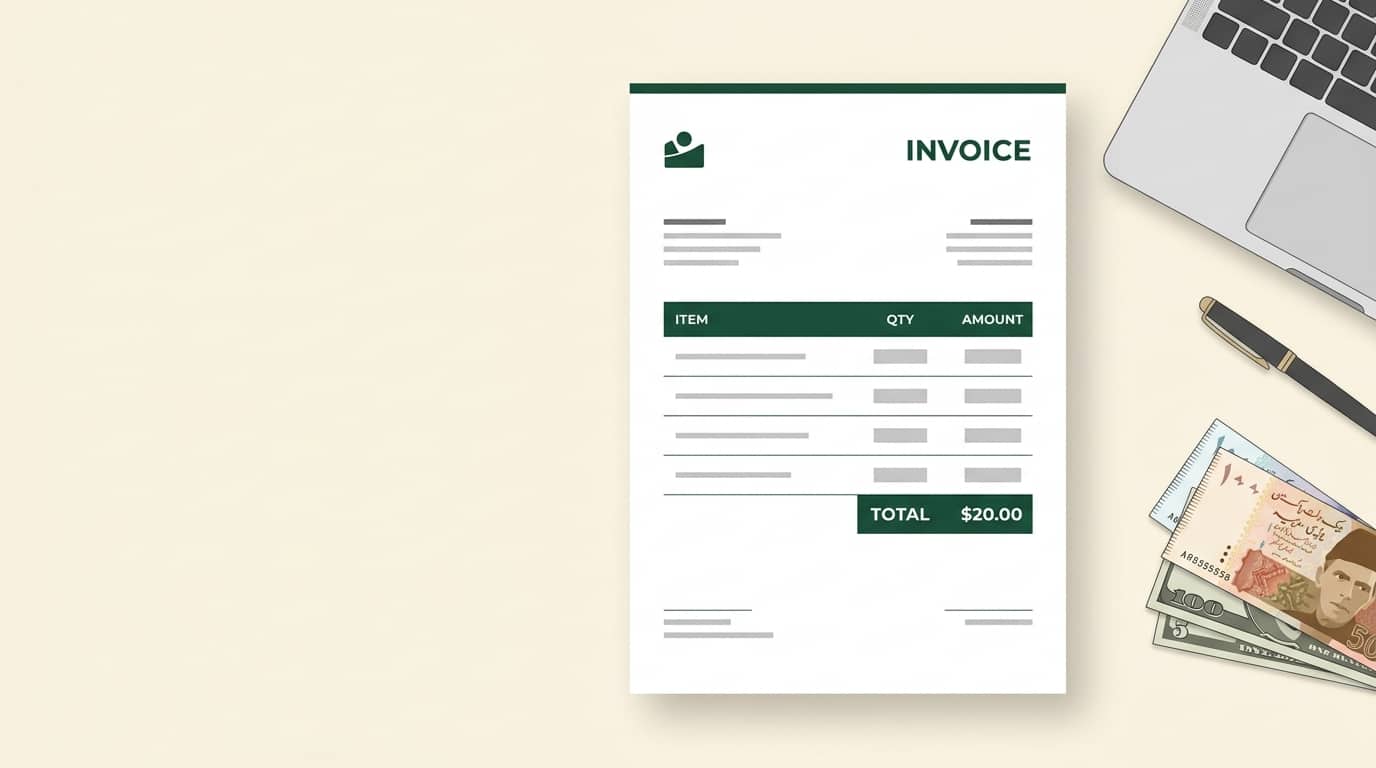
How to Make an Invoice for Freelancers in Pakistan (Free Template Included)
Getting paid on time is one of the biggest challenges for freelancers in Pakistan. A clear, professional invoice makes it easier for clients to approve and pay you quickly, and it gives you a proper record of your income. In this guide you’ll learn how to make an invoice for freelancers in Pakistan, what to include, how tax fits in, and how to create one in about two minutes with our free invoice generator.
What Is an Invoice, and Why Do Freelancers in Pakistan Need One?
An invoice is a document you send to a client to request payment for work you’ve done. It lists what you delivered, how much it costs, and how and when to pay.
Even if a client pays you informally over WhatsApp or bank transfer, a proper invoice helps you:
- Look professional and build client trust
- Avoid disputes about price or scope
- Keep clean records for tax filing and bank proof of income
- Get paid faster, because clients know exactly what to pay and when
Invoice vs Receipt vs Quotation
These three documents are often confused:
- Quotation: an estimate sent before the work starts.
- Invoice: a payment request sent after (or during) the work.
- Receipt: proof of payment sent after the client has paid.
What Every Freelance Invoice Must Include
Essential Details
Every invoice should contain:
- The word “Invoice” (or “Tax Invoice” if you charge sales tax)
- Your name or business name, address and contact details
- Your client’s name and address
- A unique invoice number
- The invoice date and payment due date
- A description of each service, with quantity and rate
- The subtotal, any tax or discount, and the final total
- Payment terms and your bank details
Invoice Number
Use a simple, consistent system like INV-001, INV-002, or include the year (INV-2026-001). Never reuse a number. It makes tracking payments and filing taxes much easier.
Dates and Payment Terms
Include both the invoice date and a clear due date. Common terms are “Due on receipt”, “Net 7” or “Net 15” (payment due 7 or 15 days after the invoice date). Clear terms remove excuses for late payment.
Description of Services
Be specific. “Website design, 5 pages” is far better than “Design work”. Detailed line items reduce questions and speed up approval.
Optional but Smart Additions
- Your logo and brand colours
- A PO number, if the client’s company uses purchase orders
- Bank details or payment links (IBAN, account title, Wise or PayPal details)
- Late payment terms
- A signature or company stamp for a more formal look
Tax and Invoice Basics for Pakistani Freelancers
Important: tax rules change often. This section is general information, not tax advice. Confirm the current rules with the Federal Board of Revenue (FBR) or a qualified tax advisor.
NTN and Filer Status
Freelancers in Pakistan generally need a National Tax Number (NTN) and should be on the Active Taxpayers List (filer status). Adding your NTN to your invoice, especially for business clients, helps them with their own tax records and withholding. You can register through the FBR’s IRIS portal.
PSEB Registration and the Export Tax Rate
If you provide IT or IT-enabled services to clients abroad, registering with the Pakistan Software Export Board (PSEB) can significantly reduce your tax. Registered exporters pay a concessionary 0.25% rate on qualifying export receipts, compared with 1% without registration, and the Finance Act 2026 extended this concession to 30 June 2029. Non-IT services exported from Pakistan are taxed at 1%. The conditions (such as receiving money through banking channels and staying on the filer list) still apply, so check the details before relying on the lower rate.
Banking Channels and Proof of Income
When you invoice international clients, ask them to pay through proper banking channels. A clear invoice with your name, the client’s name and the amount makes it easy to show where money came from. Keep your invoices and bank statements together. The State Bank of Pakistan publishes rules on foreign remittances.
Local Clients and Sales Tax on Services
If you work for clients inside Pakistan, different rules can apply, including withholding tax and provincial sales tax on services. These vary by province and by type of service, so confirm with the relevant provincial authority or an accountant before adding a tax line to your invoice.
Which Currency Should You Use?
- Local clients: invoice in PKR.
- International clients: invoice in USD, EUR, GBP or AED, matching what you agreed in your contract.
State the currency clearly next to every amount. Our invoice generator supports all major currencies, so you can switch with one click.
Common Invoice Mistakes Freelancers Make
- Missing invoice numbers, which makes tracking impossible
- No due date, so the client pays “whenever”
- Vague descriptions that trigger questions and delays
- Wrong or missing client details, which can cause rejection by finance teams
- Not stating the currency, leading to confusion on the amount
- Forgetting payment details, so clients have to ask how to pay
- Sending it late, since the sooner you invoice, the sooner you’re paid
How to Create a Freelance Invoice in 3 Steps
You can use any tool, or make one in Word or Excel, but a dedicated generator is faster and looks more professional.
Step 1: Add Your Brand and Client Details
Open the free invoice generator, enter your name or company, upload your logo, and add your client’s details.
Step 2: List Your Services and Set the Currency
Add each service with its quantity and rate. Choose your currency (PKR, USD, AED and more), and the totals are calculated automatically. Turn on tax or discount only if you need them.
Step 3: Customize and Download
Add your NTN or other details using custom fields, include bank details and a signature if you like, then click Download PDF. Send it to your client by email or WhatsApp.
Tip: Save a Standard Layout
Keep a note of your usual settings (title, payment terms, bank details) so each new invoice takes only a minute.
A Simple Invoice Example
| Invoice | INV-2026-014 |
| Date / Due | 29 Sep 2026 / 6 Oct 2026 |
| From | Ali Raza, Lahore · NTN: 1234567-8 |
| Bill to | Northwind Studio, Dubai |
| Item | Logo design, 1 × USD 250.00 |
| Item | Social media kit, 1 × USD 150.00 |
| Total | USD 400.00 |
| Payment terms | Net 7 · Bank transfer, details below |
Tips to Get Paid Faster
- Send the invoice as soon as the work is delivered or the milestone is reached
- Ask for a deposit (30-50%) on larger projects
- Send a polite reminder a few days before the due date
- Offer more than one payment method where possible
- Follow up in writing so you always have a record
Frequently Asked Questions
Do freelancers in Pakistan need to issue invoices?
Yes. Even where a client doesn’t ask for one, an invoice gives you a record of income and protects you in disputes. It’s also useful for tax filing and bank documentation.
Is there a free invoice generator I can use?
Yes. Our free invoice generator lets you add your logo, choose any currency, add tax, a signature and a stamp, then download a PDF with no signup.
What should I write on an invoice as a freelancer?
Your details, your client’s details, an invoice number, dates, itemized services, totals, payment terms and bank details. If you have an NTN, add it as well.
Should I charge tax on my invoice?
It depends on your situation: whether you serve local or international clients, your registration status and the type of service. Check with the FBR or an accountant before adding a tax line.
Which currency should I invoice in?
Use PKR for local clients and the currency agreed in your contract (USD, EUR, GBP, AED) for international clients.
Can I send an invoice from my phone?
Yes. You can create, sign and download a PDF invoice from your phone and send it through email or WhatsApp.
Final Thoughts
A good invoice is simple: clear details, clear amounts, clear payment terms. Once you have a template you trust, you can create one in minutes and spend your time on the work you actually enjoy. Try our free invoice generator and send your next invoice the professional way.
Disclaimer: this article is for general information only and isn’t legal, tax or accounting advice. Please confirm current requirements with the FBR, PSEB or a qualified professional.